Graphic Elements
Illustrations
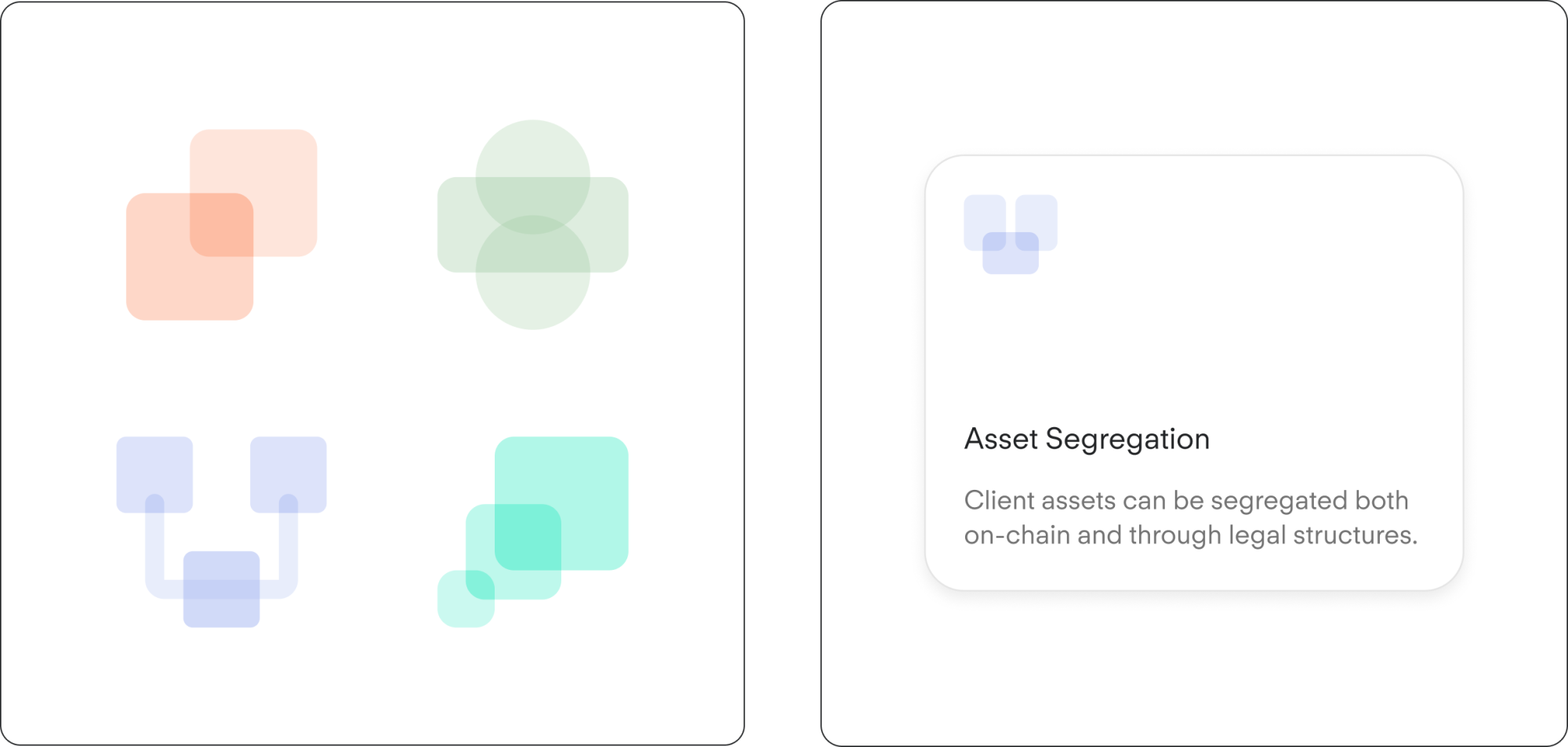
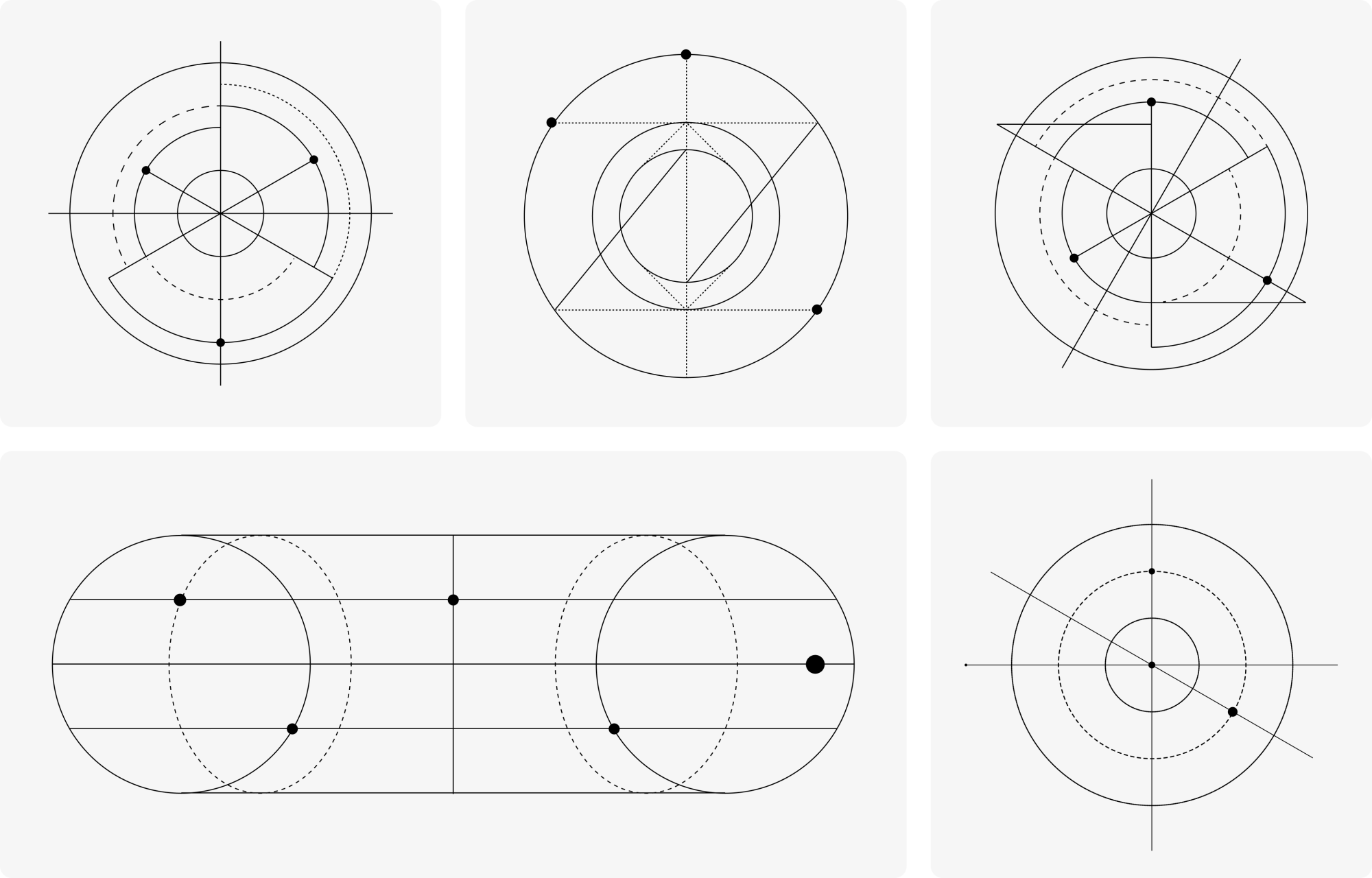
Our illustrations are an integral part of the design toolkit and should be used to reinforce the Copper identity wherever possible. Each illustration has been design engineered to reflect the both the scientific nature and mathematical foundations of cryptography.
Note: When applying our illustrations its vital to ensure the stroke weight remain as 1; this is our graphical tone and must be adhered too.
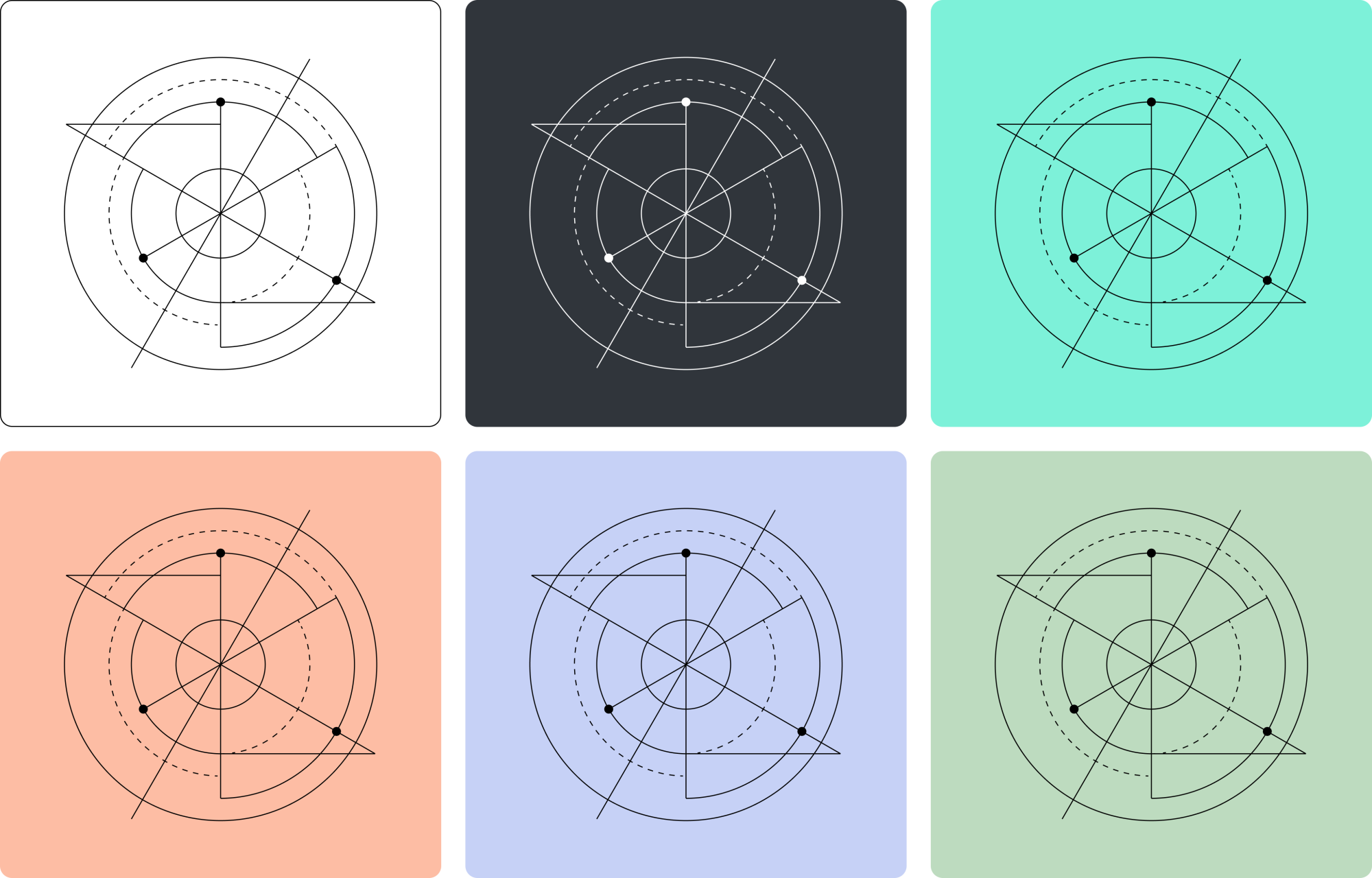
Applying Colour
Each graphic element can be placed onto any solid colour background, as shown in the examples below.
Scalability
All of our graphic elements can be scaled and/or cropped to suit a given application. Here are a few examples showcasing use cases at three different scales at 100%, 200% and 300%.
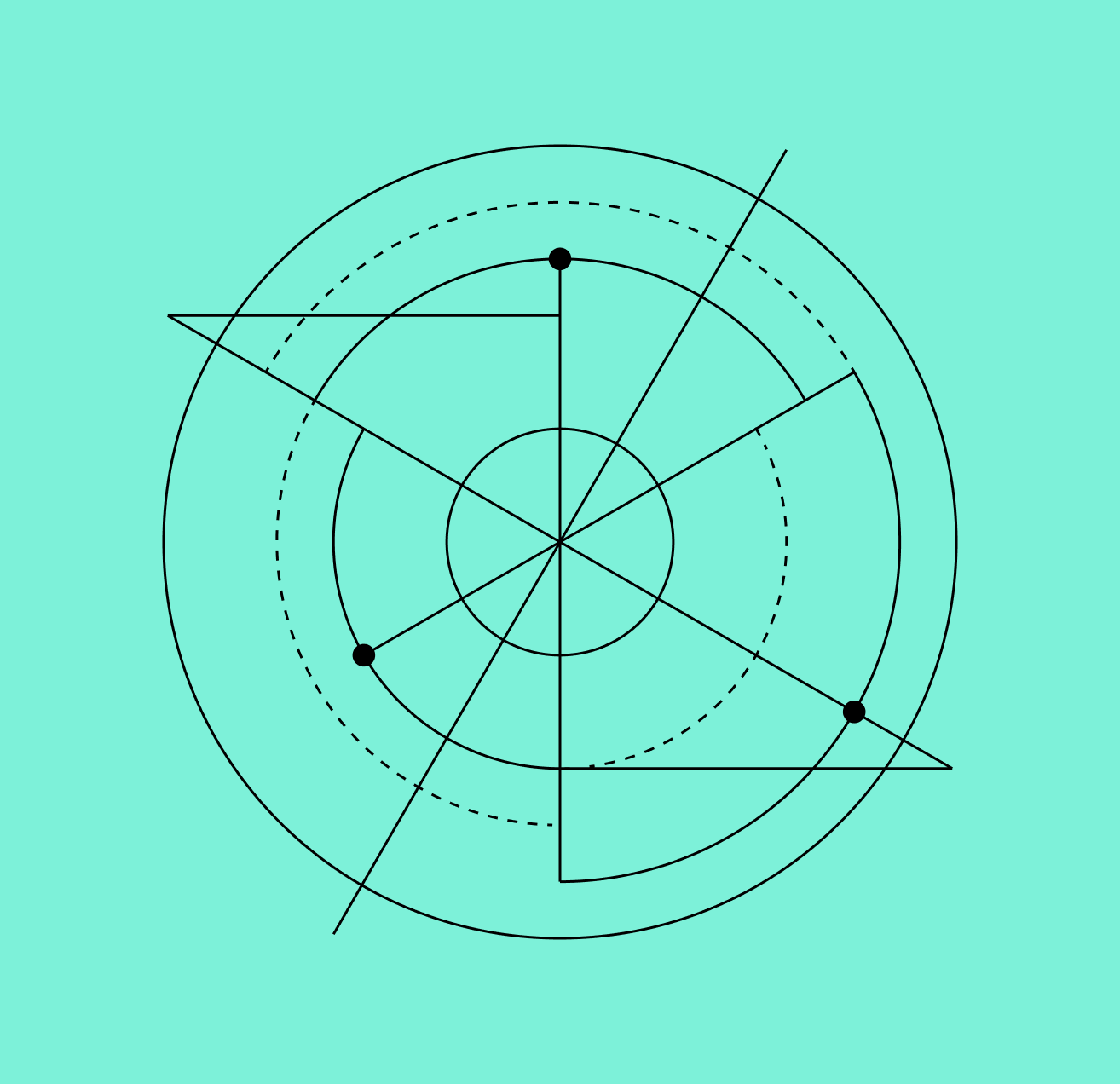
Graphic Element 01
Scale: 100%
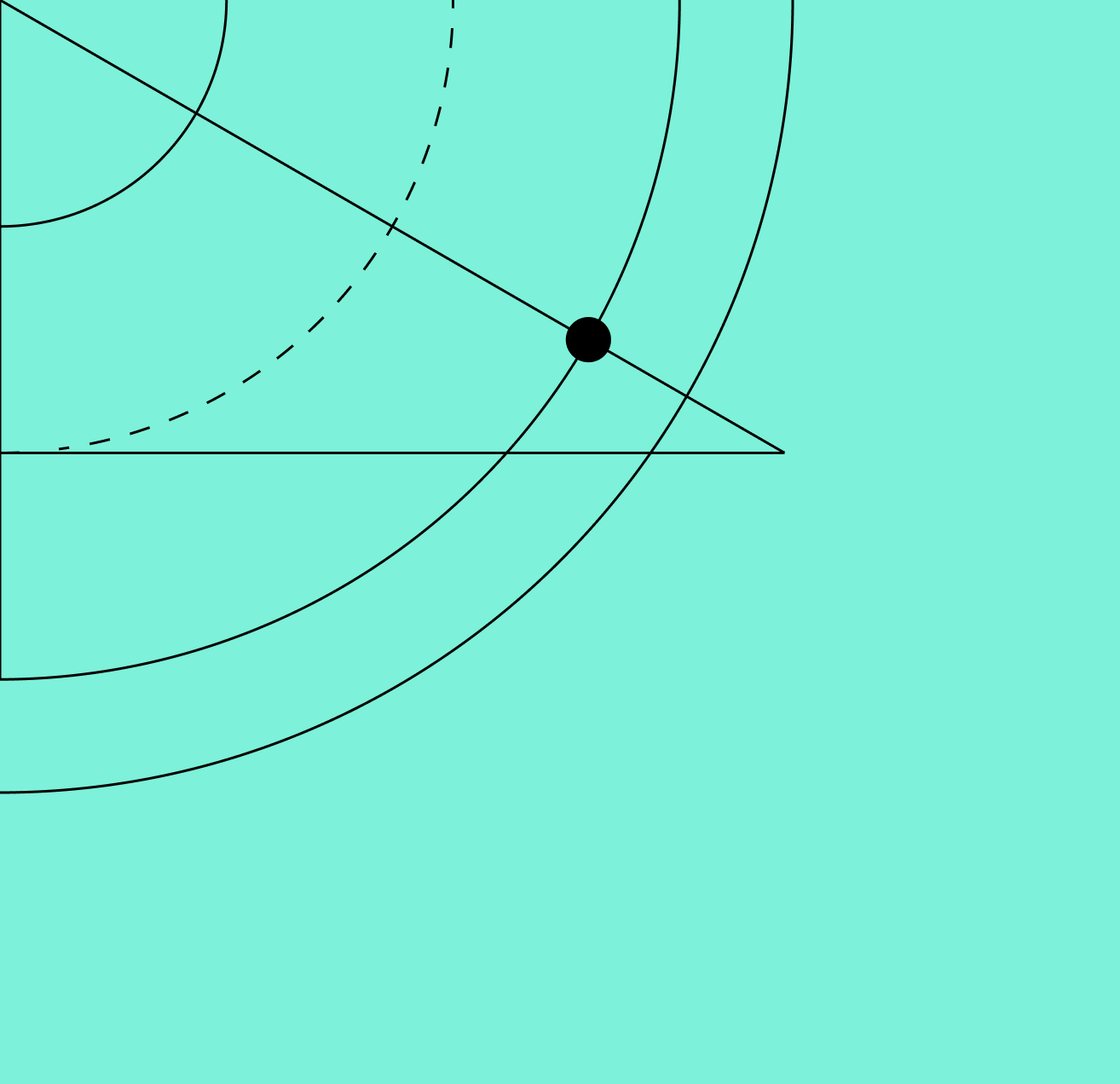
Graphic Element 01
Scale: 200%
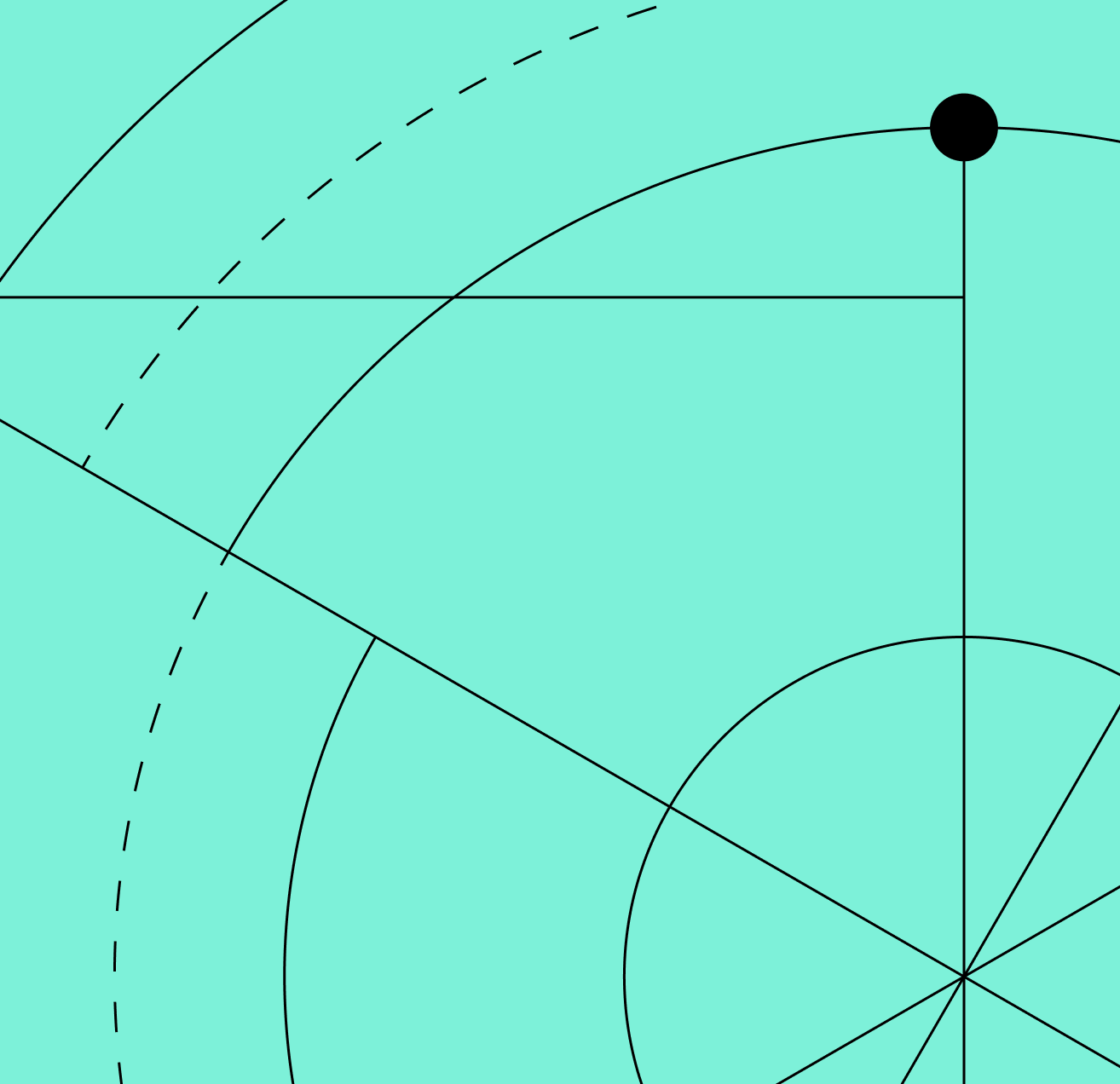
Graphic Element 01
Scale: 300%
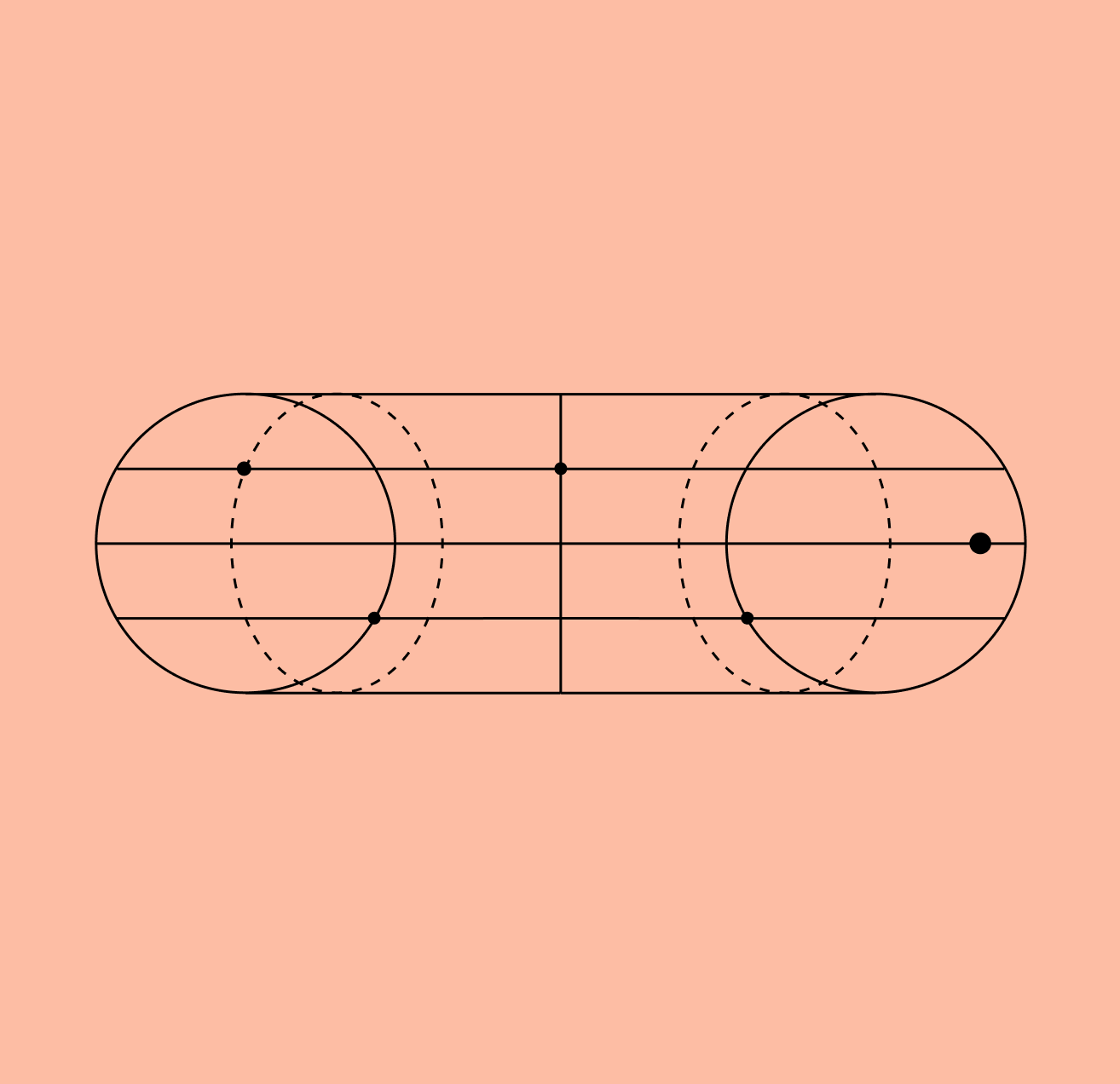
Graphic Element 02
Scale: 100%
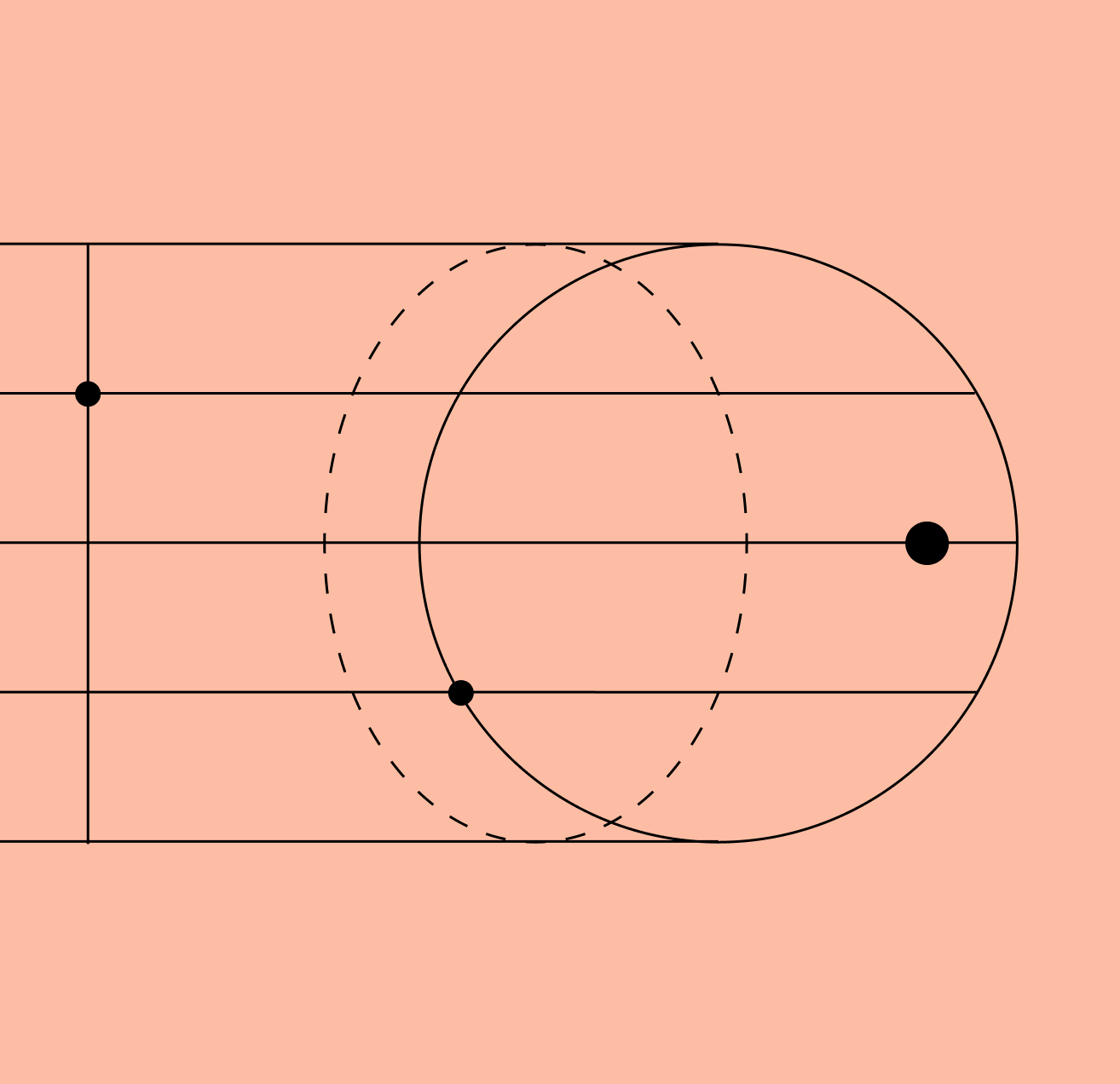
Graphic Element 02
Scale: 200%
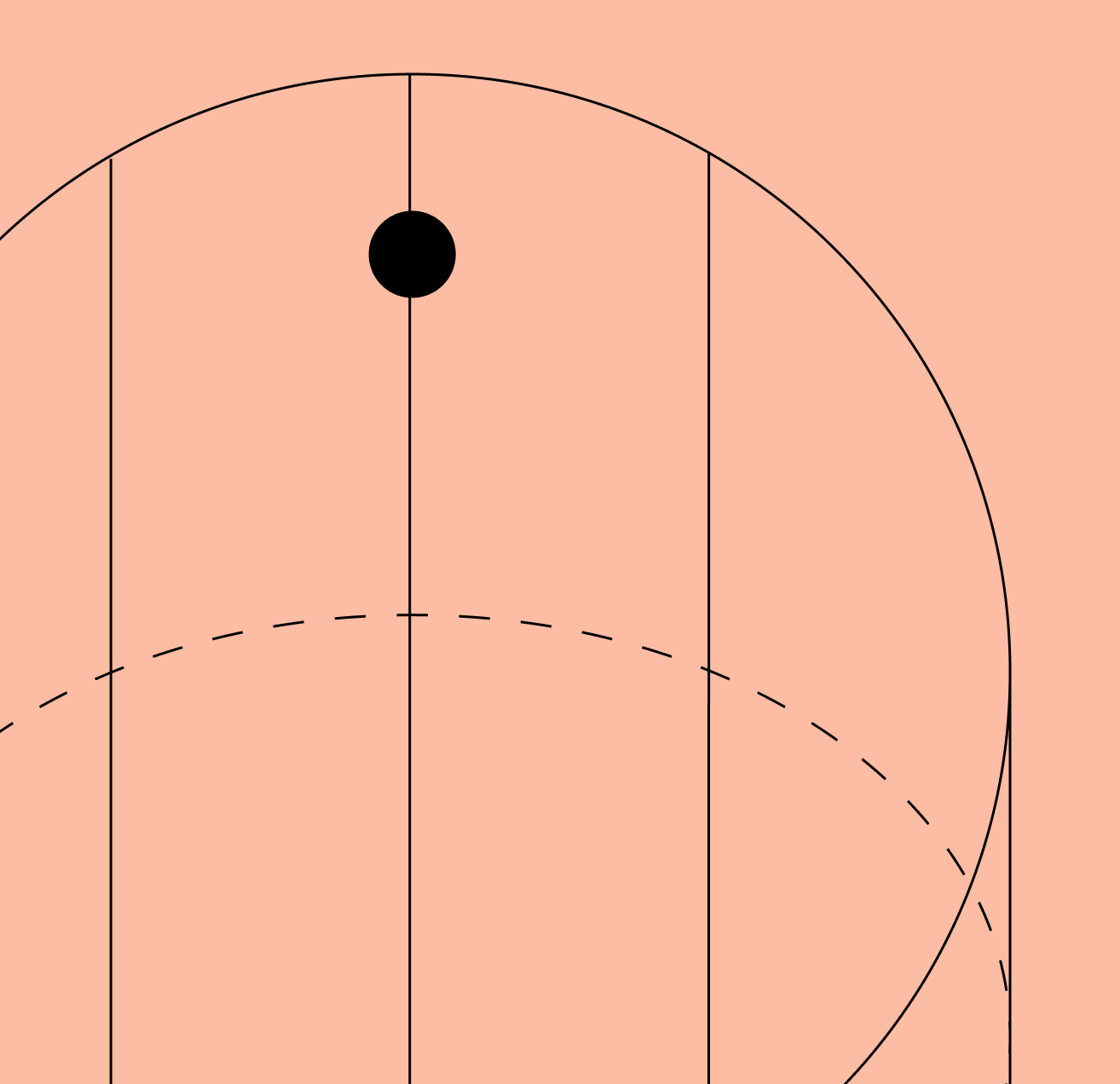
Graphic Element 02
Scale: 300%
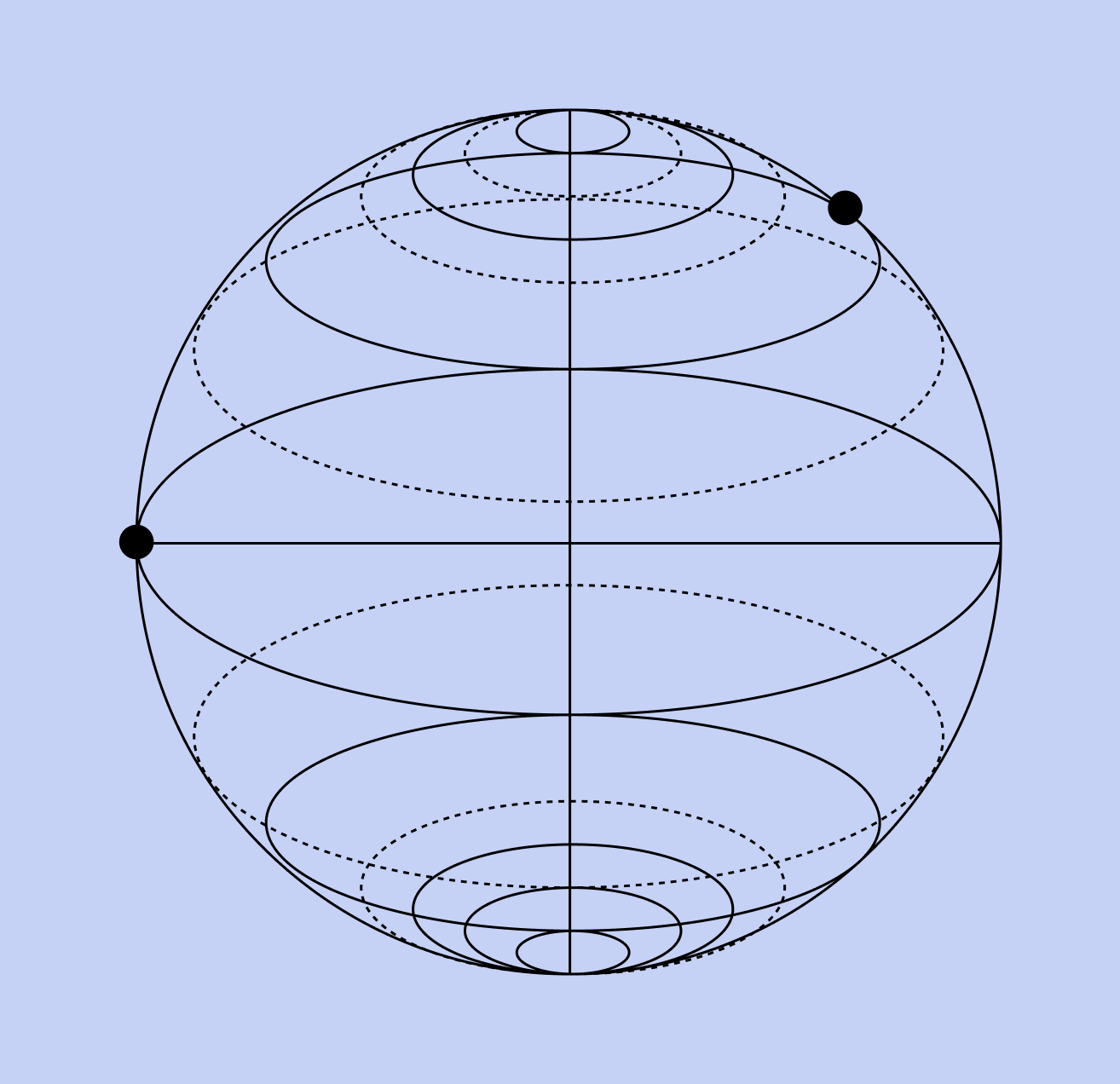
Graphic Element 03
Scale: 100%
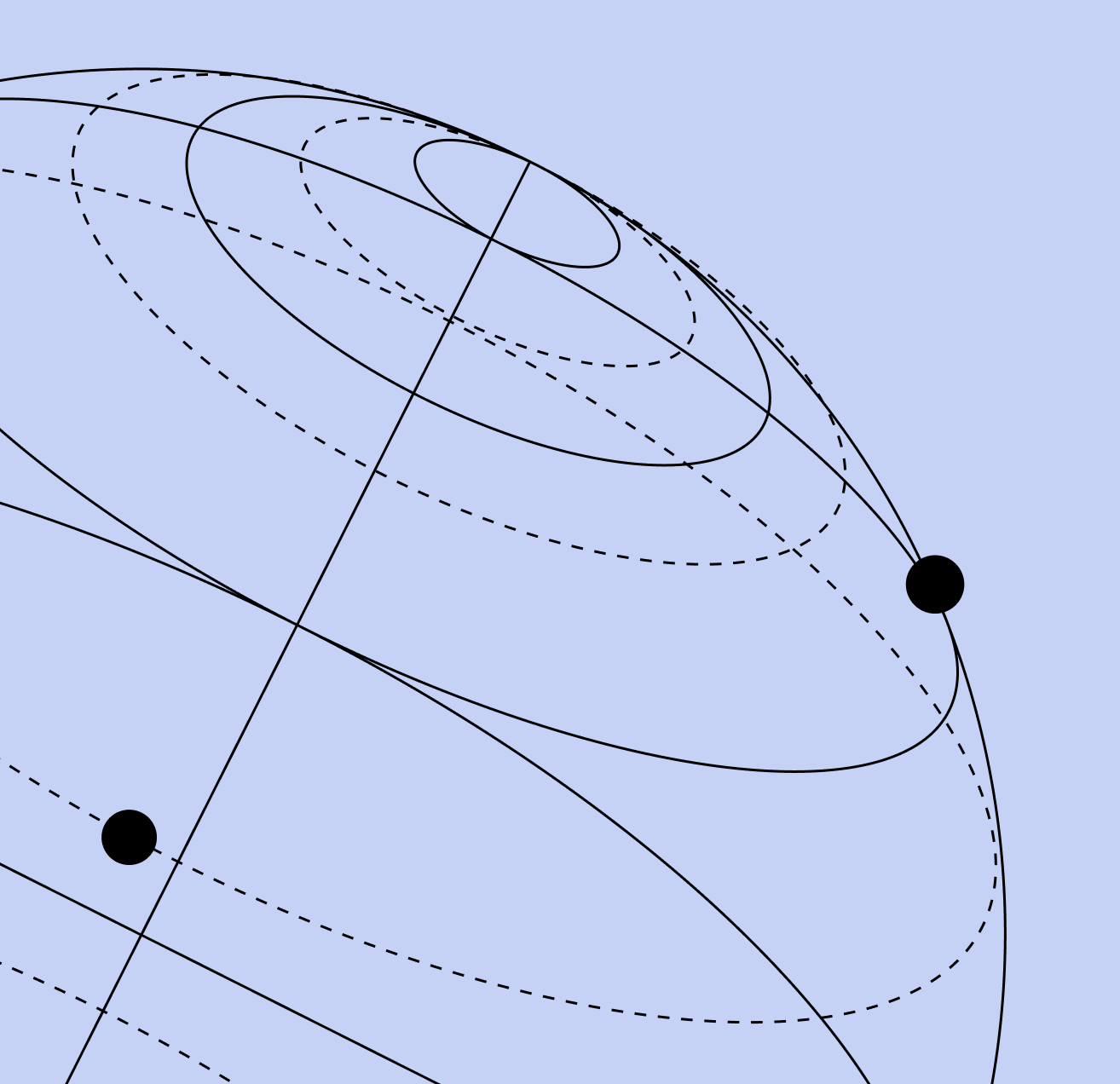
Graphic Element 03
Scale: 200%
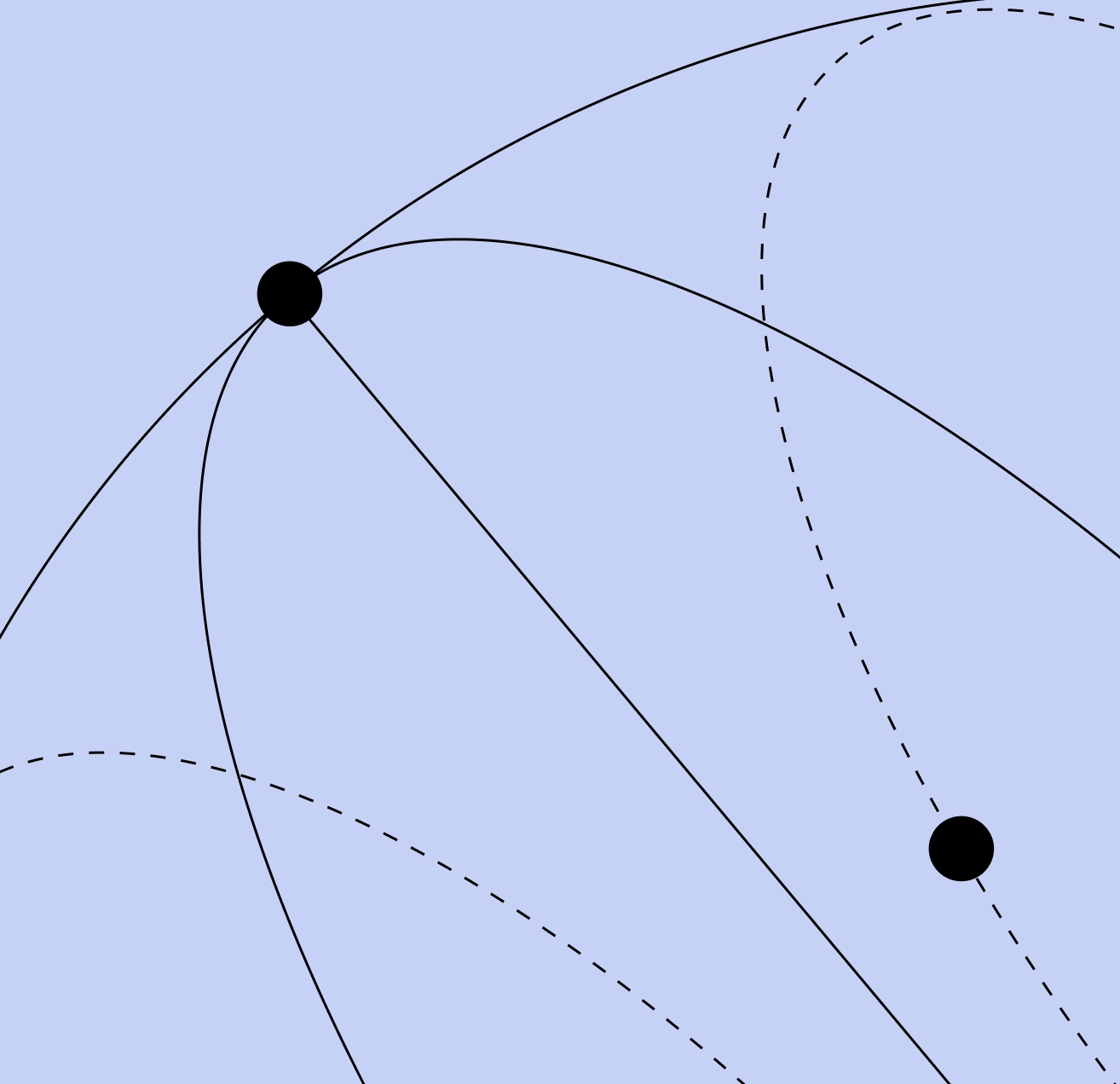
Graphic Element 03
Scale: 300%
Iconography
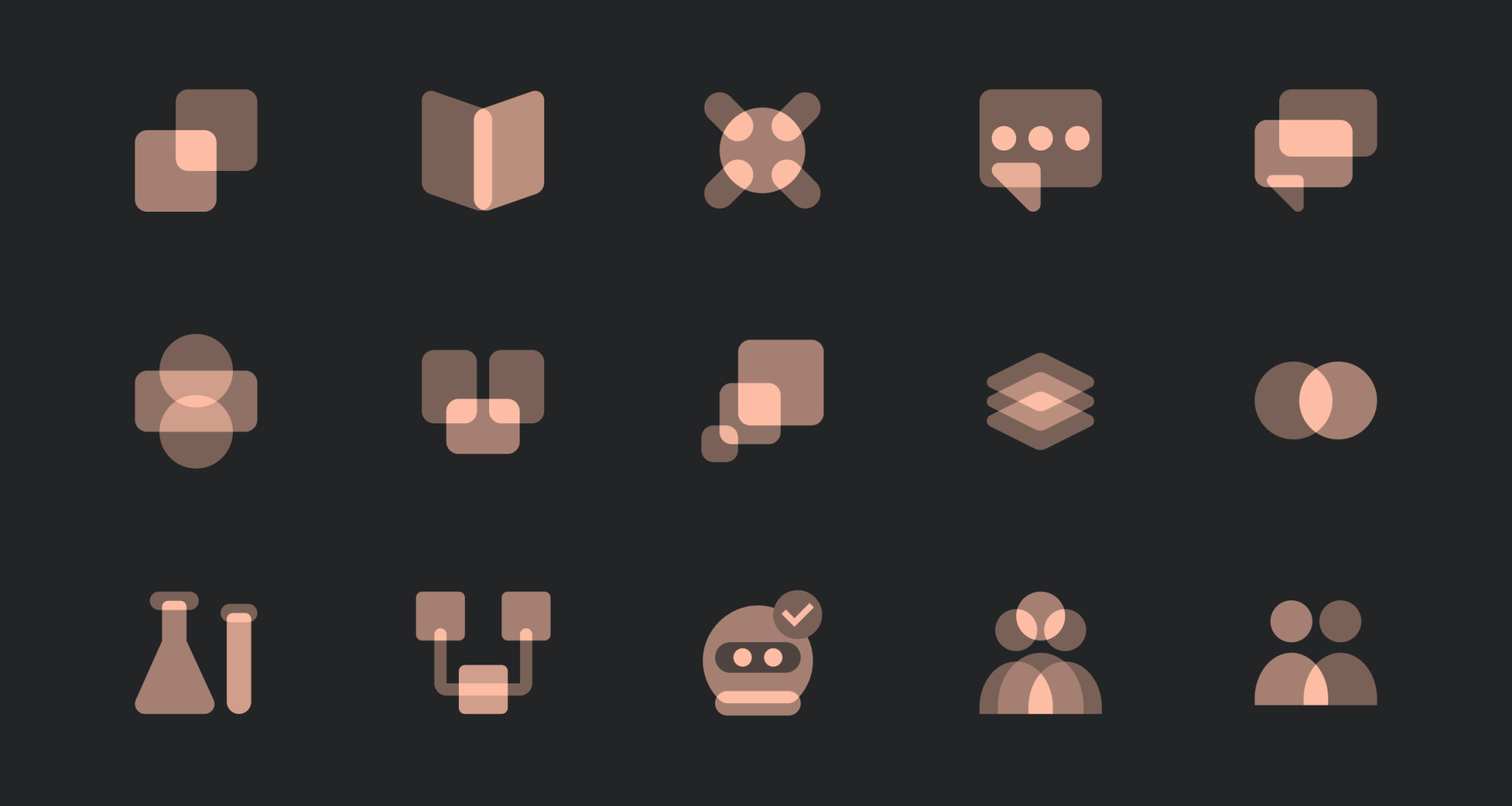
Our icons help tell a story while adding some fun. These become a part of our emotive and navigational language in marketing.
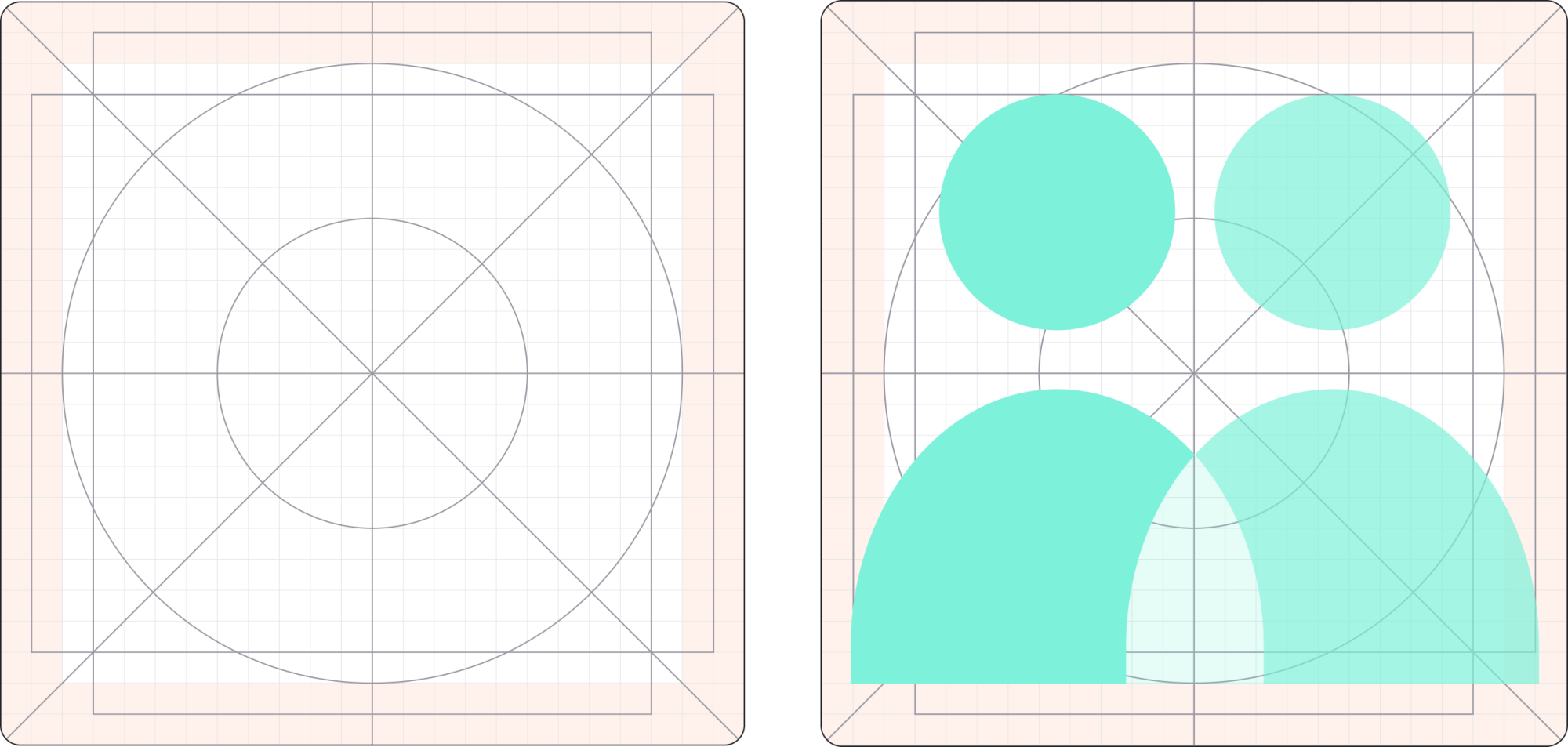
All icons are built on a 24px grid. Always design within this grid and observe the clear space guidelines around each glyph. Use the provided keylines to align shapes; horizontal keylines for landscape icons, vertical keylines for portrait icons.
Take a look at our template file to create view the grid and to create new icons; Copper Template.